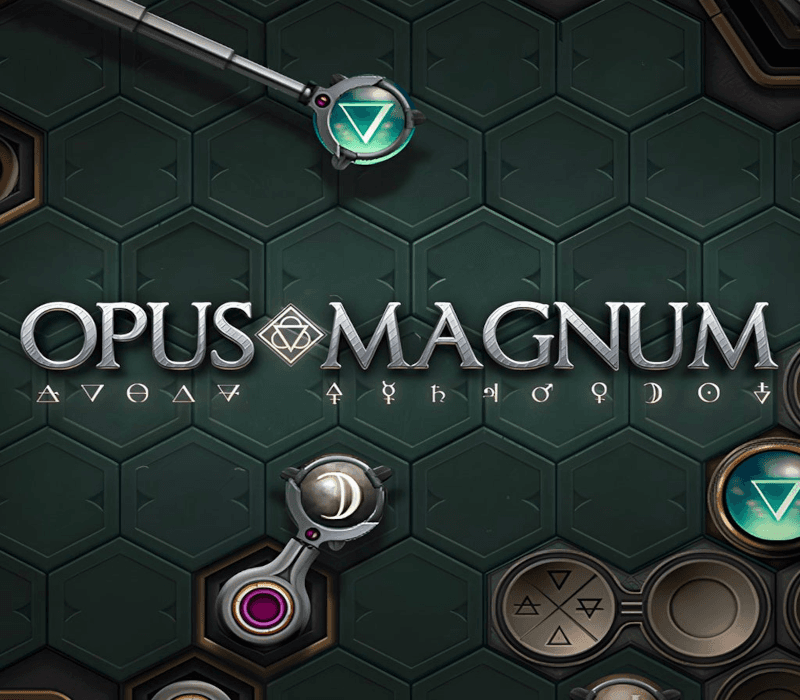
Opus Magnum PC Steam
Platforma
SteamOkamžité dodání!
Aktivační klíč obdržíš hned po dokončení objednávky. Za pár minut hraješ.
- Angličtina
- Němčina
- Francouzština
- Japonština
- Ruština
- Čínština
O hře
Hailed as the most promising alchemist of his generation, Anataeus Vaya has just accepted a position as Head Alchemist of House Van Tassen, the oldest and richest of the city’s ancient Houses. But dangers lurk behind the family’s opulent facade, and alchemy alone may not solve every problem.
Opus Magnum je nejnovější otevřená puzzle hra od Zachtronics, tvůrců SpaceChem, Infinifactory, TIS-100 a SHENZHEN I/O. Ovládněte složité fyzické stroje transmutace — nejpokročilejší nástroj alchymistického inženýra — a použijte ho k vytváření životně důležitých léků, drahokamů, smrtících zbraní a dalších věcí.
-
Navrhněte stroje - Navrhujte a stavějte stroje, které provádějí alchymistické procesy pomocí různých komponentů včetně programovatelných ramen, přizpůsobitelných drah a dalších esoterických zařízení jako je Van Berlo’s wheel a Glyph of Animismus.
-
Otevřené hádanky - Soutěžte proti svým přátelům a světu, abyste vytvořili nejjednodušší, nejrychlejší a nejkompaktnější řešení herních výzev. Exportujte animované GIFy svých elegantních návrhů, abyste je mohli ukázat.
-
Steam Workshop - Vytvářejte a sdílejte své vlastní hádanky s plnou integrací Steam Workshop a snadno použitelným editorem hádanek. Hrajte nejlepší hádanky od uživatelů v prestižním Journal of Alchemical Engineering, který kurátoruje Zachtronics!
-
Bohatý příběh - Intriky a temné plány se točí kolem starobylých Domů města. Alchymisté, kteří mají moc vytvářet téměř cokoliv známého vědě, jsou velmi žádaní — a velmi nebezpeční.
-
Solitaire minihra - Alchymistické inženýrství vyžaduje soustředění a koncentraci. Udělejte si pauzu s Sigmar’s Garden, originální solitérní hrou založenou na alchymii. Každá hra je vyhratelná, ale ne každá hra bude vyhrána…
Jak aktivovat
📥 Ke stažení a instalaci klientské aplikace:
- Přejděte na stránky store.steampowered.com a stáhněte si klienta STEAM.
- Klikněte na tlačítko „Install Steam“ (v pravém horním rohu).
- Nainstalujte a spusťte aplikaci. Přihlaste se pomocí svého názvu účtu a hesla (pokud účet nemáte, vytvořte si ho).
🔑 Aktivace hry / produktu na Steamu:
- Spusťte Steam a přihlaste se ke svému účtu.
- V horním menu klikněte na nabídku „Hry“.
- Vyberte možnost „Aktivovat produkt ve službě Steam…“.
- Postupujte podle pokynů na obrazovce a zadejte klíč ke hře.
- Po úspěšném ověření kódu přejděte do záložky „KNIHOVNA“ a začněte hru stahovat.
💳 Aktivace Steam kupónu / dárkové karty (Uplatnění peněženky):
- Spusťte Steam a přihlaste se ke svému účtu.
- V horním menu klikněte na nabídku „Hry“.
- Vyberte možnost „Uplatnit kód pro peněženku Steam…“ (případně klikněte na své jméno v pravém horním rohu -> Zobrazit mou peněženku -> Uplatnit dárkovou kartu nebo kód peněženky).
- Do pole zadejte kód ze svého kupónu a klikněte na „Pokračovat“.
- Hodnota kupónu se ihned přičte k zůstatku vaší Steam peněženky, který můžete použít na nákup jakýchkoliv her či obsahu.
Systémové požadavky
Windows
- Operační systém
- Windows Vista / 7 / 8 / 10
- Procesor
- 2.0 GHz
- Paměť
- 4 GB RAM
- Grafika
- 1366 x 768
- DirectX
- verze 10
- Místo na disku
- 600 MB volného místa
Playgun.cz za funkčnost na daných sestavách neodpovídá. Uvedené požadavky pocházejí od vydavatele a platí k vydání hry — s pozdějšími aktualizacemi se mohou měnit.
Podobné hry
 Steam
SteamKerbal Space Program Steam
Skladem 1158 ks Steam
SteamDesktop Explorer PC Steam
Skladem 1 ks Steam
SteamStardew Valley PC Steam
Skladem 15 ks Steam
SteamUnpacking Steam
Skladem 1076 ks Steam
SteamPrison Architect Steam
Skladem 842 ks Steam
SteamGarry's Mod PC Steam
Skladem 196 ks Steam
SteamMicrosoft Flight Simulator (2020) 40th Anniversary Edition PC Steam
Skladem 841 ks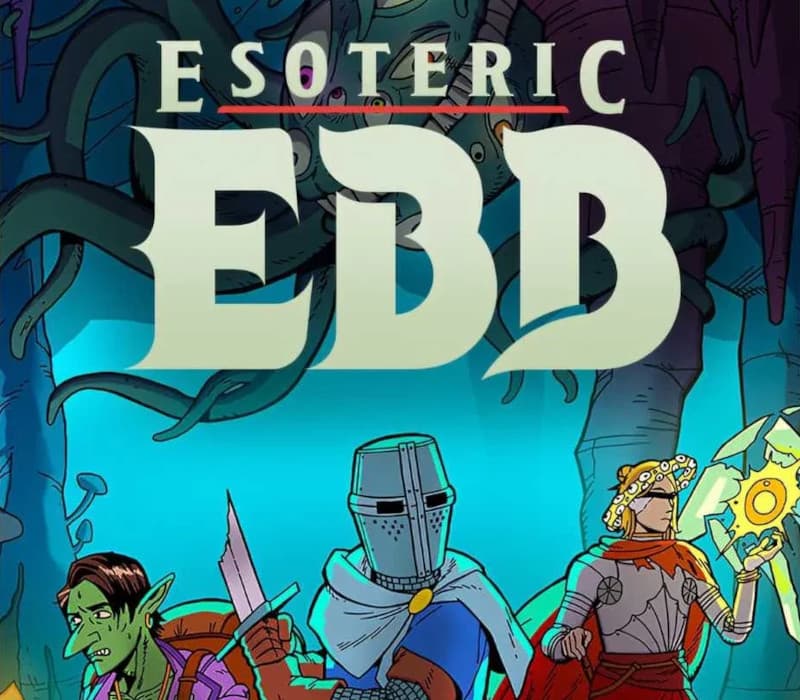 Steam
SteamEsoteric Ebb PC Steam
Skladem 352 ks